
From Design Model to Live Building: A Handover Checklist for BIM and Digital Twin Teams
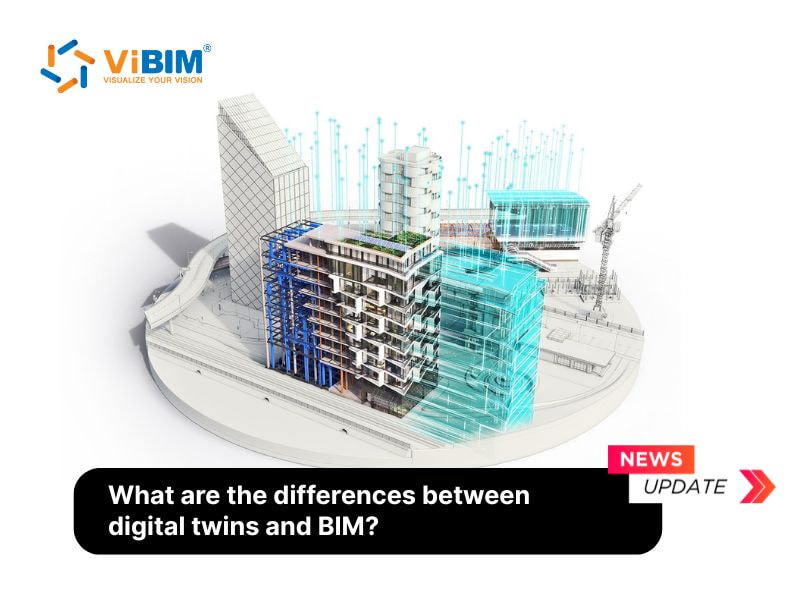
Most owners ask the same question at handover: can the model we paid for during design still help us run the building? The answer depends on what the team did between the last design review and the day the keys changed hands. This note follows that stretch in the order a project team usually meets it, and it shows where a static model starts to turn into something live.
Start with a model that matches the site
Everything downstream rests on the as-built model. During construction, design changes, material substitutions and moved equipment need to flow back into the model so that it mirrors the real building. A model that still shows the original design intent will mislead anyone who builds on it later. Each object should carry its own data, such as geometry, material and function, because that metadata is what operational software reads first.
Package the asset information at handover
At completion the owner receives the as-built model together with the asset data that facility staff need: maintenance schedules, warranties and performance records. Teams planning this stage often compare notes on BIM facility management practice, since the handover package decides how much manual re-entry the operations team faces in year one. A clean package closes the gap between construction and daily operation.
Connect the model to live systems
The next step links the as-built model to operational technology: IoT sensors, a building management system and other data platforms. The model supplies the spatial and asset framework. The connected systems feed it readings such as temperature, occupancy and equipment status. Once both sides talk to each other, the model stops being a snapshot and begins to reflect current conditions.
Know which tool answers which question
It helps to keep the two ideas apart when you brief a client. BIM is a process for creating and managing information about a built asset, mostly during design and construction, and its data is largely static. A digital twin is a virtual copy that receives continuous sensor data, so it supports monitoring, prediction and maintenance planning. Anyone who wants the full side-by-side comparison can read our article on digital twin vs BIM, which sets out the differences across purpose, data type, lifecycle coverage, simulation, monitoring and scale.
Verify before you call it a twin
Before the team labels the result a digital twin, a short verification pass keeps expectations honest:
- Confirm that the as-built model reflects the final site conditions and not the design drawings.
- Check that asset records are attached to the model objects they describe.
- Test that each sensor feed reaches the model and updates the right object.
- Run one scenario, for example an equipment alert, and see whether operators can act on it.
- Record who owns the model after handover and who updates it.
What this gives the owner
When the checklist passes, the owner gets live insight into systems such as HVAC performance and energy use, along with a basis for predictive maintenance. Those are the benefits the integration promises: fewer surprise failures, less downtime and clearer data for sustainability goals. The model built for design keeps earning its place long after construction ends, and that continuity is the real reason to connect the two technologies.