
Choosing a Point Cloud File Format Before the Modeling Starts
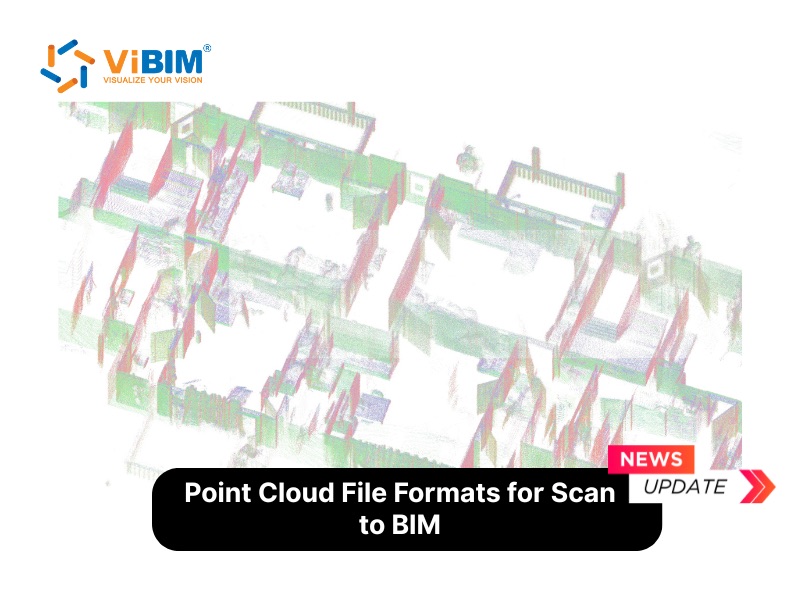
A scan project rarely fails because of the scanner. It stumbles on the day the data changes hands, when a modeler opens a file and finds that it will not load, has lost its color, or has arrived without the scanner positions needed to align it. This walk-through follows a single dataset from site capture to a finished Revit model and shows where the choice of file format shapes each step.
The first decision comes straight after the scan. Many terrestrial scanners export PTX, a text-based format that stores each scan together with the position and orientation of the scanner. That structure is useful while the scans are being registered, because every setup keeps its own origin. The cost is size: text formats grow quickly and are slow to open, so most teams register the scans and then move to a binary format as soon as they can.
For airborne or drone data the usual deliverable is LAS, or its losslessly compressed version, LAZ. A LAS file carries a header with the coordinate system, point count and survey extents, and each point can hold intensity, return number, color and a classification code such as ground or building. When a survey covers a large area, splitting it into tiles keeps the files manageable on an ordinary workstation.
Once registration is finished, the modeling team usually wants speed. Autodesk's RCS and RCP files are built for that. An RCS file holds the indexed data of one scan, and an RCP file gathers several RCS files into a project with their registration. Because the software only loads the points visible in the current view, Revit, AutoCAD and Navisworks can handle very large clouds smoothly. Teams that offer point cloud to BIM modeling services commonly ask for RCP or RCS for this reason, and they also accept E57 from any scanner brand.
E57 deserves its own step in the workflow, and it is the one most often skipped. Standardized by ASTM International, it is vendor-neutral and can bundle the point data, the panoramic images and the scanner metadata in one file. When a project has to be archived, or sent to a collaborator whose software is unknown, E57 is the safest choice because nothing is dropped along the way.
Conversion is the last trap. Open-source tools such as CloudCompare convert between most formats, but moving from a rich format to a simpler one discards information. Exporting an E57 file to LAS, for example, removes the panoramic imagery because LAS has nowhere to store it. Keep the original E57 as the master copy and treat every converted file as a working copy.
A short checklist ties the steps together: keep PTX or the native scanner format during registration, export an E57 master for the archive, and prepare RCP or RCS for the modeling phase. If the project is a survey, deliver LAS or LAZ with its classification intact. The full comparison of the five formats, with a table of metadata support, compression and fitness for modeling, is laid out in the guide on point cloud file formats.
Agreeing on formats at the start of a project costs a single email. Fixing the wrong choice halfway through costs rework on every scan already processed, so it is worth settling the handover formats before the first setup is captured.