
Checking an AI Vendor's Point Cloud Claims Before It Touches Your Scan to BIM Workflow
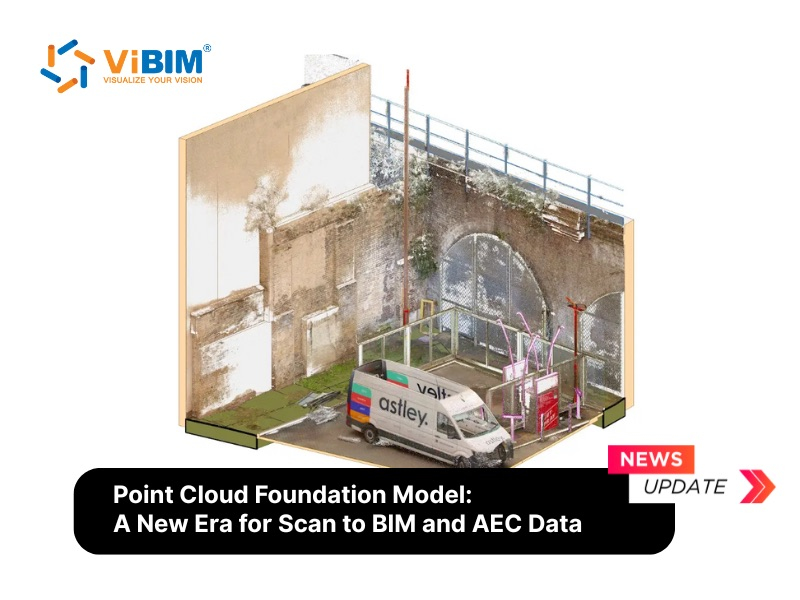
A vendor announces that its new model will classify every element in a building scan automatically. The demo looks convincing, the benchmark number is high, and the pressure to adopt it is real. A better response is a short verification routine that tests the claim against the conditions of an actual project.
Start with what the model was trained on
The first question is about data. Public 3D datasets lean toward CAD objects, furniture, vehicles and indoor scenes. Construction sites contain industrial equipment, temporary structures and unfinished work that those datasets barely represent. A model that scores well on clean research data can underperform on a noisy field capture, so ask the vendor which scans the numbers came from.
Translate the benchmark into a project requirement
A percentage on a test set is not a delivery standard. A model that reaches 85% classification accuracy on a shape benchmark may still produce an unacceptable error rate for as-built documentation. Write down the accuracy your deliverable needs, then check whether the vendor has measured anything comparable on real building scans. Teams that plan around 3D BIM services usually define that threshold per element type before any tool is trialled.
Test the failure modes on purpose
Foundation models learn general 3D representations from very large amounts of unlabeled data, then adapt to a task with little extra training. That strength has a cost. Two risks matter most in production:
When a classification fails, the cause is hard to diagnose, because the model behaves like a black box. For documentation with legal and safety implications, an error nobody can explain is a liability.
Models that complete hidden geometry can invent structure. A wall may appear where none stands, which means a person still has to verify the output and the promised time saving may shrink.
Run the tool on a scan with heavy occlusion and on one with dense mechanical runs, then compare every result with the source data by hand.
Check the plumbing
Most of this technology exists as research code, not as a plugin for Revit or Navisworks. Integration therefore needs custom development with an uncertain maintenance path. Confirm how results move into the existing model, who supports the tool, and what happens when it fails on an unusual element.
What the reading of the research suggests
The practical lesson in the point cloud foundation model overview is that the research shows promise but has not reached production readiness. Until construction-specific validation appears, the sensible path is to keep established methods in place: manual modeling in Revit supported by semi-automated QA/QC with add-ins, Dynamo scripts and external validation software.
A simple decision rule
Adopt a tool only when it shows validated accuracy on construction data, a clear human verification step, integration with the software you already use, and transparent results on edge cases. Until all four hold, track the publications, ask vendors for numbers from real building scans, and keep delivering with the process that already works.