
From Point Cloud to Curved Facade: How an Australian Office Model Was Verified
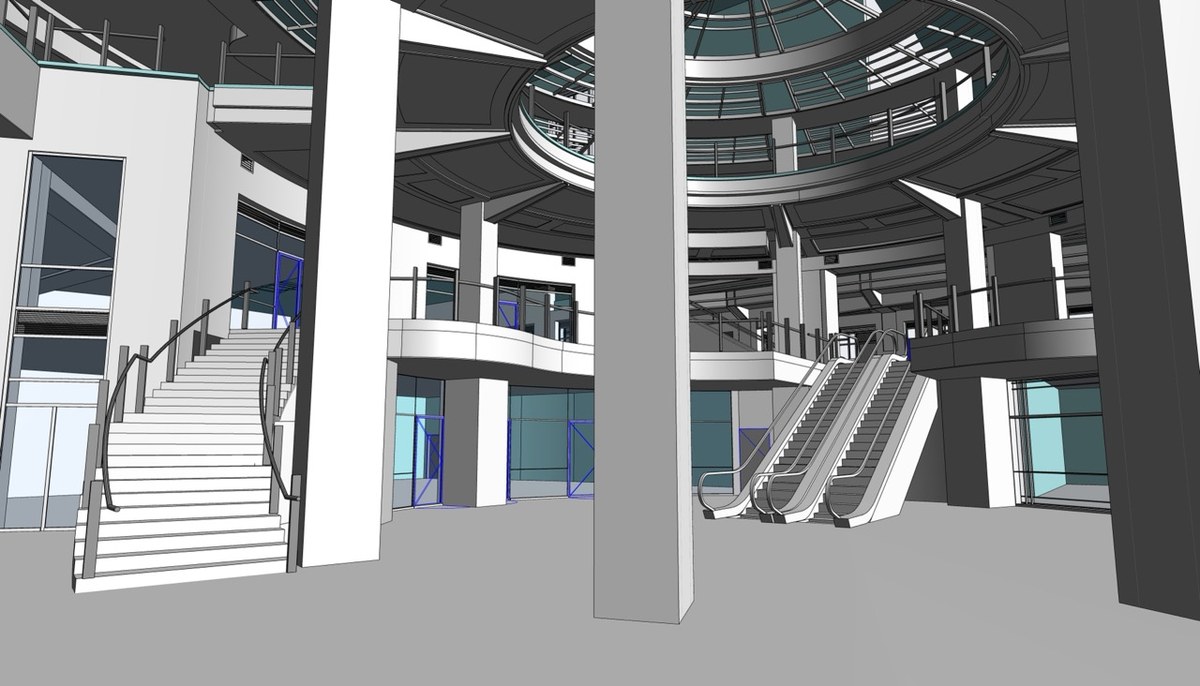
A scan-to-BIM model is only useful if the people who open it years later can trust it. This write-up follows the verification thinking behind a commercial and office building in Australia, a roughly 7,400 m² (79,650 sq ft) structure with eight levels, four of them below ground. The brief was an as-built model of the architecture and structure at LOD 300, built from point cloud data and site images.
The first question on any job like this is what the model must prove. Here the answer was geometry. Every wall, slab, column and beam had to sit where the scan said it sat, and the team held the model to within ±15 mm (±0.6 in) of the point cloud. That tolerance gave the design, structure and M&E teams a fixed yardstick for later checks.
The curved facade came next. A curved wall cannot be trusted if it is drawn by eye from scattered points. The team sliced the point cloud into thin horizontal bands at several heights and fitted a reference circle to each band. Averaging the center and radius across three or four bands cancelled out scan noise and produced one dependable arc. Teams that deliver BIM architectural modeling services often use this kind of banded fitting, because a single smooth wall is easier to review than a chain of short straight segments.
The curved windows needed a second check. Standard families would not follow the lean of the wall, so the team built a custom window whose radius and rotation could be adjusted until it sat flush. Reviewers could then compare window and wall against the same scan slice.
Below ground, the check changed from shape to alignment. Four car-park basements carried dense columns, beams and walls, plus stepped, split-level slabs. Registration error is the constant risk in such spaces, because a small drift can push a column sideways from one floor to the next. The team cut detailed sections through each split-level zone, modeled the slabs first as reference masses, and worked basement by basement. Junctions were isolated with 3D section views and site photos so that real openings and gaps appeared in the model instead of assumed ones.
A final pass looked at the whole building together. Vertical elements were traced floor to floor, and beams were confirmed to land on the columns above and below. The delivered Revit file, prepared with Revit, Navisworks and internal tools, became a reliable record of where the structure actually sits.
The same approach is documented in the project page for Revit modeling for an office building in Australia, which lists the inputs, deliverables and the services involved. For owners, the practical gain is simple. Designers start from measured conditions, and facility teams can look up assets without a fresh survey.