
How a Heritage Church Model Was Built, Checked, and Approved
Most conversations about heritage documentation start with the scan. This one starts with the question that came after it: how do you know the model is right? The answer from a UK church project is a sequence of small checks that begin before full production and continue until delivery.
The building is a classical church of about 2,000 m² on two floors. The brief covered the church, its surrounding topography, and selected facades next door. The target was LOD 400 for the exterior, interior, and topography, and LOD 300 for the facades. Inputs were a point cloud and TruView. The client needed accurate material types and clear material zones, so the team treated materials as geometry, not decoration.
The first check came early. Before modeling the whole church, the team built a sample of one small representative area and sent it to the client. The client replied that they were happy with how the elements were modeled. That approval fixed the method for the remaining work, which matters on a building with this much ornament.
The second check was structural. On the exterior, a primary wall was split into several walls of different thicknesses, with thin material walls attached to a core wall and joined using the join tool. Because Revit can be difficult with joins, each one needed careful attention. Inside, model lines marked material transitions, and TruView confirmed where those transitions fell.
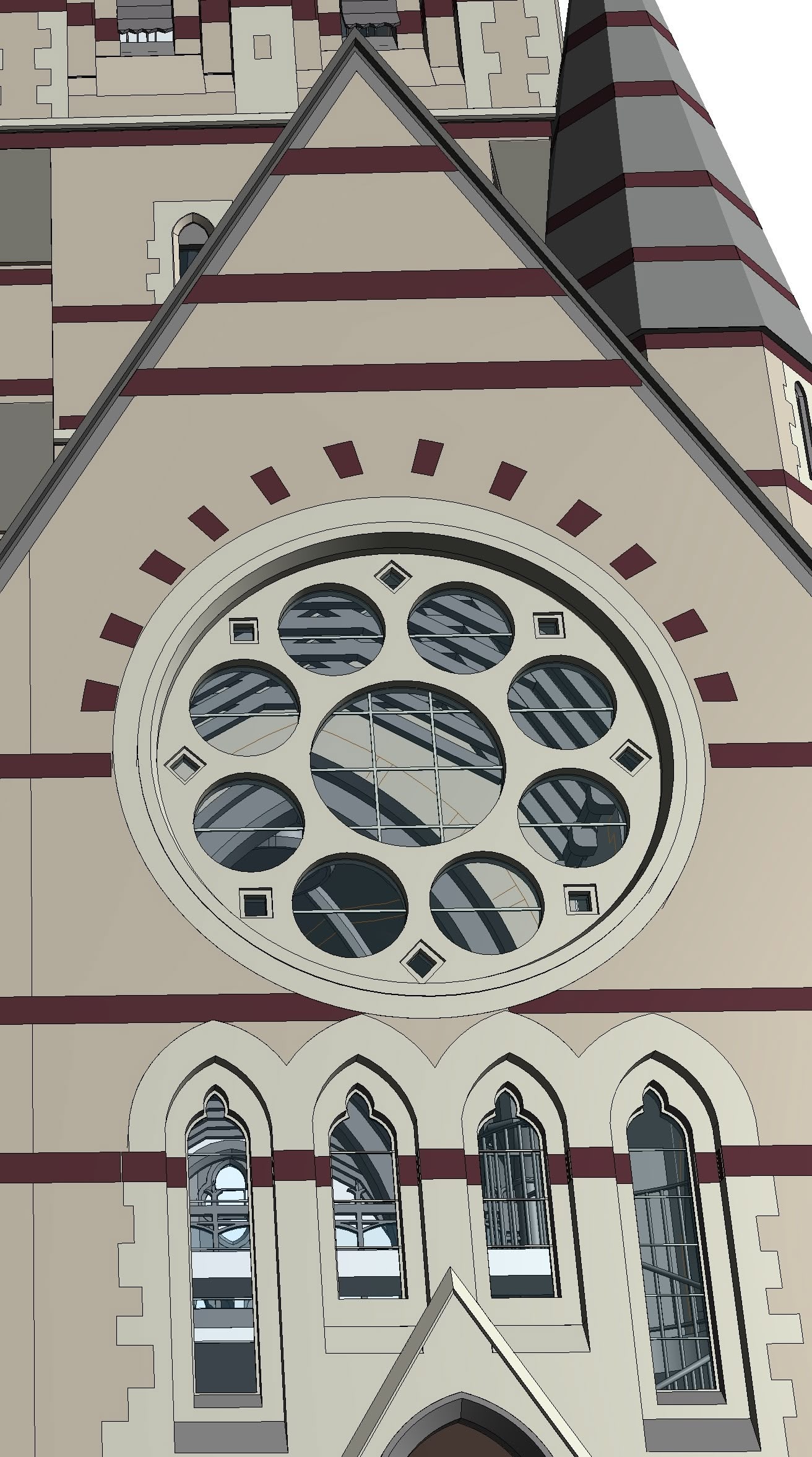
This is the kind of as-built BIM model that holds up when a renovation team asks hard questions about what is actually on site. The vaulted dome shows why. Its geometry is complex and slow to build, so the team preferred system families and used Model In-Place only for components that did not fit. Every element was then checked against the point cloud for alignment, structural composition, and category.
The final check was procedural. A phased workflow with internal quality control and cross-checking in specialised software ran through the project, aiming to reduce errors before delivery. The team described the same approach in its write-up of Revit modeling for historical churches at UK, where the full project details are published.
What the client receives is a millimeter-accurate as-built model of the existing structure. It supports renovation and repair planning, since architects and engineers can see the condition of the building and estimate material quantities. It supports conservation and digital archiving, because the captured form and detail are preserved. It can also connect to asset management systems that track the location, dimensions, and condition of components.
The lesson is simple. A model earns trust through a chain of checks: a sample, a method, a comparison to the scan, and a phased review. Skipping any link is where heritage projects go wrong.