
How a Museum Model Was Verified Zone by Zone Against Scan Data
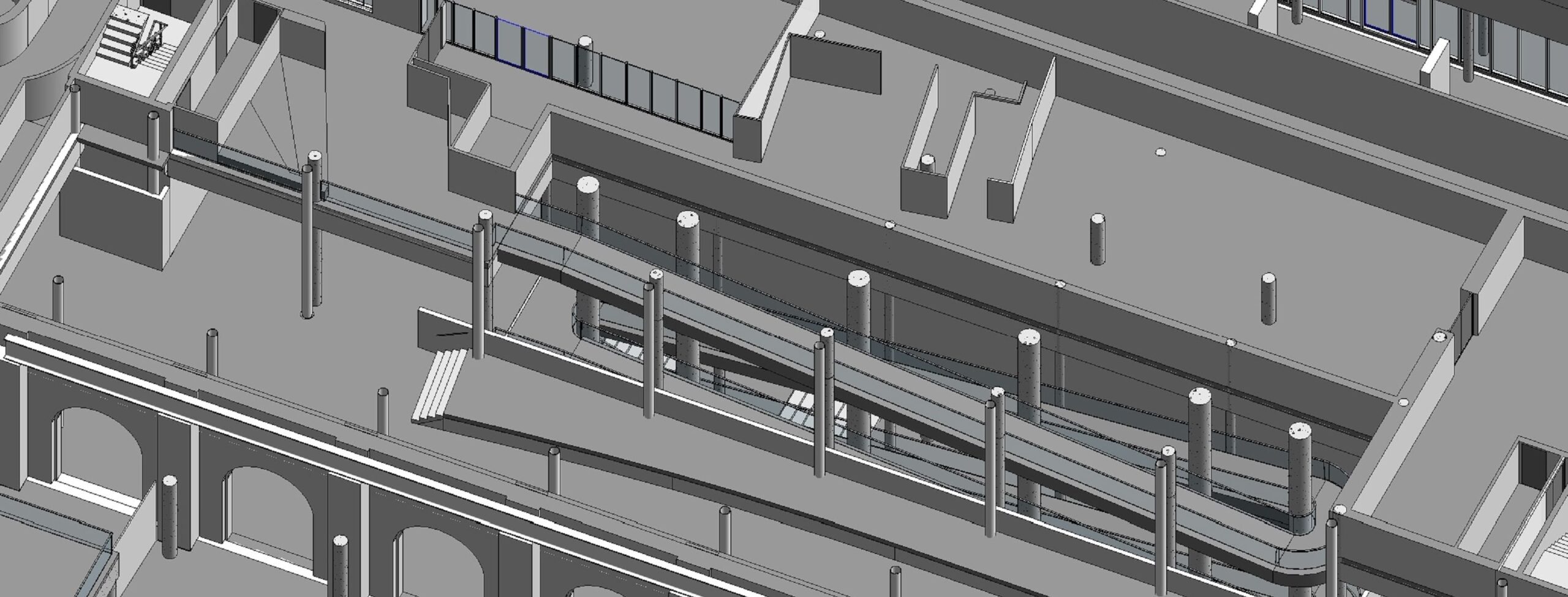
Verification decides whether an existing-conditions model can be trusted. On a museum with two basements, five floors and about 22,000 square meters of site, the checking process matters as much as the modeling itself. This note follows the workflow used on an Australian museum project from first scan review to final validation.
The owner, the 303.AUS museum group, needed accurate architectural and structural information about two buildings and their outdoor spaces. Teams that need this kind of deliverable often start with BIM architectural modeling services built on registered point cloud data, and that was the starting point here too.
Step 1: Split the site
Instead of modeling the whole museum at once, the team divided it into smaller zones. The split followed elevation differences, architectural features and complexity. Each zone then had its own place in the schedule, with harder zones planned deliberately rather than left to chance.
Step 2: Build the repeating details once
The buildings include domes, railings, decorative columns, glass doors and intricate façades. A specialized family library covered these elements, so repeated details stayed consistent across zones and modelers.
Step 3: Check against the scan
Where levels did not match neatly, the team used multiple Revit sections, Navisworks and TrueView to confirm accuracy. This is the core verification loop: model, section, compare with the scan, correct.
Step 4: Control the team
Several modelers worked in the same project. Each had defined responsibilities, and quality-control and communication procedures were agreed in advance. Regular model reviews and validation caught errors before they spread.
What the checked model delivers
The result was a Revit file at LOD 300, built from a point cloud and TrueView. The full story of the build, including its challenges and business impact, is told in the write-up of Revit modeling for museum project at Australia on the project page.
Because the model is precise and visual, it also serves later operation, maintenance, repair and upgrade stages. Exports to Lumion, Twinmotion and Enscape allowed renderings and fly-through videos for marketing, education or fundraising and restoration initiatives.
Summary
Zoning, custom families, scan-based checks and clear roles form a repeatable verification workflow. Applied together, they kept a large, ornate and multi-team museum model coordinated and reliable.