
A Coordination Review Narrative: How a Team Uses Navisworks
Picture a project in which the architects, structural engineers, and MEP designers each work in their own software. Every discipline model is correct by itself, yet nobody has seen them all together. That gap is where Navisworks enters the workflow, and the story below follows one coordination cycle from the first file to the final sign-off.
Step one: gather the models
The coordinator asks each discipline for a current export. Navisworks can open more than 60 file types, including Revit RVT files, AutoCAD DWG files, and IFC, so the team rarely needs to convert anything by hand. All of the files are appended into one session, and the result is a federated model. Because this aggregated model is lighter than the source files, reviewers can move through it smoothly instead of waiting for heavy files to load.
Step two: look before testing
Before running any test, the group walks through the model in real time. A virtual walk-through shows how spaces and systems sit next to each other. Reviewers drop measurements, redlines, and comments on saved viewpoints, so each question stays attached to the exact place it concerns. Teams that already manage shared models in the cloud often pair this review with BIM collaboration using ACC, because Navisworks connects with Autodesk Construction Cloud and BIM 360 and can open models hosted there.
Step three: test for clashes
Next, the coordinator uses Clash Detective, a tool available in Navisworks Manage. It checks the aggregated model and reports geometric interferences between disciplines, such as a pipe running through a beam or a duct colliding with another element. Each result can be traced back to the object in the original model, so the responsible designer knows exactly what to correct. Fixing these conflicts during design is cheaper than discovering them on site.
Step four: check the sequence
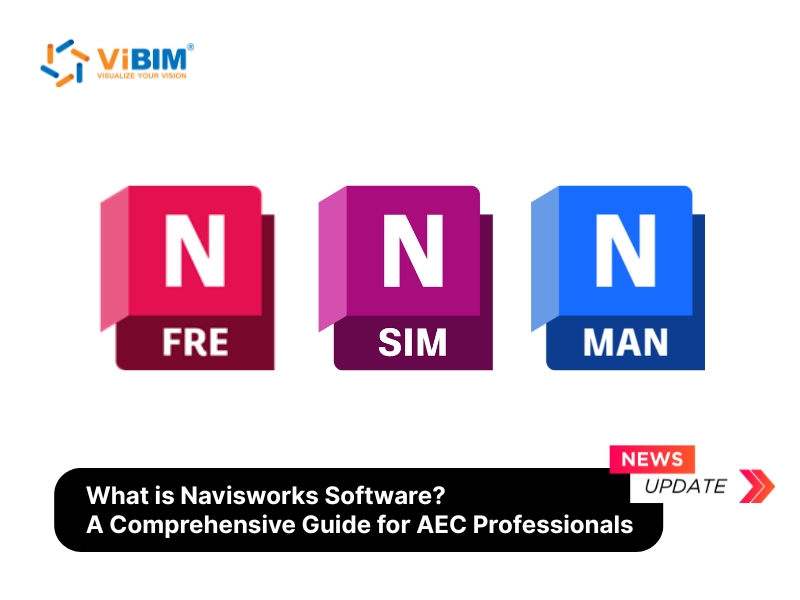
With the geometry settled, TimeLiner links the model to the project schedule. That link produces a 4D simulation of the build sequence, and cost data adds the 5D view. Navisworks Simulate offers this feature too, which suits schedulers and estimators who do not own the clash module. For anyone who wants the full background on the software itself, the guide what is Navisworks software covers the features, editions, and users in more depth.
Step five: share the outcome
Finally, the coordinator saves the review as an NWD file, a self-contained snapshot. Clients and subcontractors without a full license open it in Navisworks Freedom, a free viewer. They can navigate the model, read object properties, and watch animations, although they cannot edit or analyze it.
What decides the quality of the result
A coordination review is only as accurate as the models that enter it. If a source model is imprecise, the clash report will point at the wrong problems or miss real ones. Revit remains the authoring tool for the discipline models, while Navisworks handles aggregation, analysis, and communication. Used together, the two tools give a project team one shared picture before construction begins.